


This week in OutcomeCI: 1Password, SSO, Google Drive, and MCP
1Password-backed credentials, Google and Microsoft workspace SSO, managed Google connections, a Google Drive connector, and new MCP discovery tools.
This week, October 12–16, we shipped more ways to connect your team, your credentials, and your workflows. You can now keep workflow secrets in 1Password, use Google or Microsoft for workspace SSO, authorize Google access through OutcomeCI, and build workflows that work with Google Drive. Our MCP integration can also find guides and public workflows to help you get started.
Keep workflow credentials in 1Password
Connect a 1Password service account to your workspace, then link credentials
using op:// references. When a cloud run needs one, OutcomeCI resolves the
reference through that service account. The workflow still uses its normal
Vault path, and you choose which workflows can access each credential.
The Vault shows the connection’s health and last check. Background checks run about every 10 minutes, and credential resolution can detect problems sooner. For credentials that rotate during a run, OutcomeCI can write the replacement back to 1Password when the service account has write access.
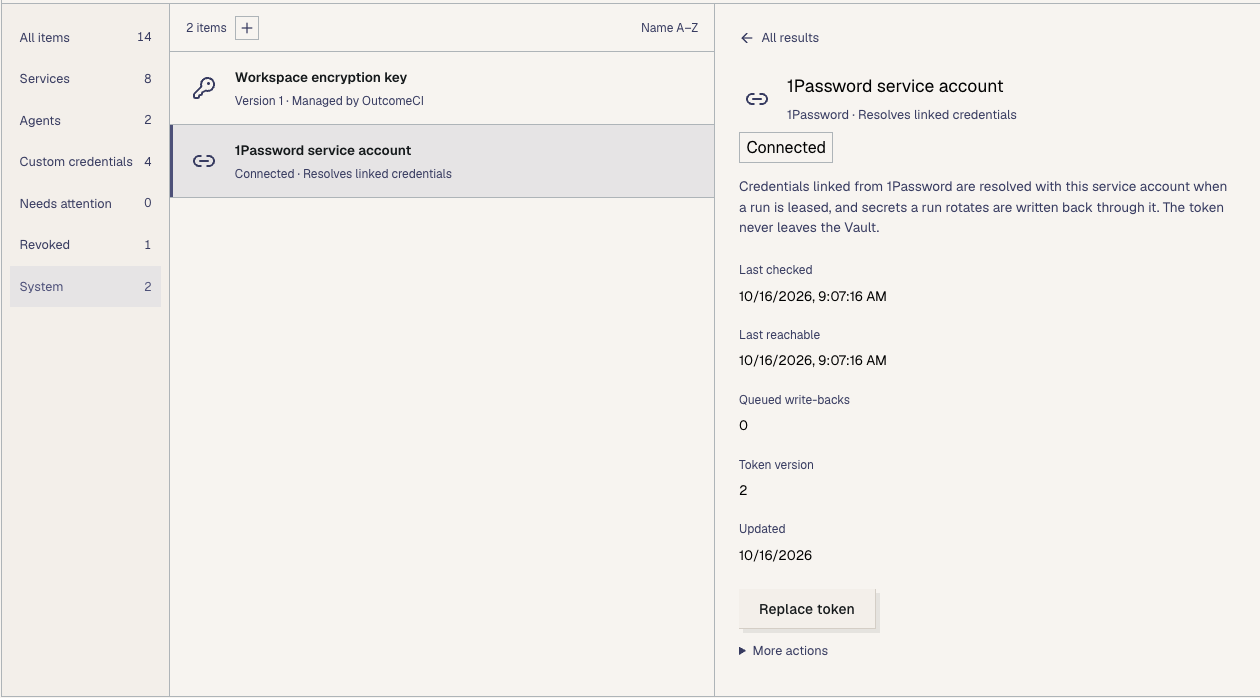
Set up 1Password for your workflows.
Sign in with Google or Microsoft, and require workspace SSO
Google and Microsoft sign-in are now available, alongside workspace SSO controls for Google Workspace and Microsoft. Workspace administrators can configure the provider their team uses and enforce SSO for workspace access.
Signing in identifies the person using OutcomeCI. It does not give a workflow permission to read that person’s Drive or use their other provider credentials. Those connections and workflow grants remain separate.
Connect Google without configuring your own OAuth app
The Vault now offers Connect with Google using OutcomeCI’s managed Google connection. Select the workflow permissions you need, complete Google’s consent flow, and grant the saved connection to the workflows that should use it.
You can authorize Drive access or supported Google Analytics access through this flow. If you need to bring your own Google app, that setup remains available separately.
Build workflows with Google Drive
The new Google Drive connector lets a workflow list files in a folder and, with the appropriate grants, download files or export Google Workspace documents. Access is controlled by both the connected Google account’s permissions and the operations allowed in the workflow.
Our new guide starts with a folder inventory: connect Google, grant access to one folder in the workflow, and send a webhook request to run it. It’s a small first workflow you can inspect before adding more operations.
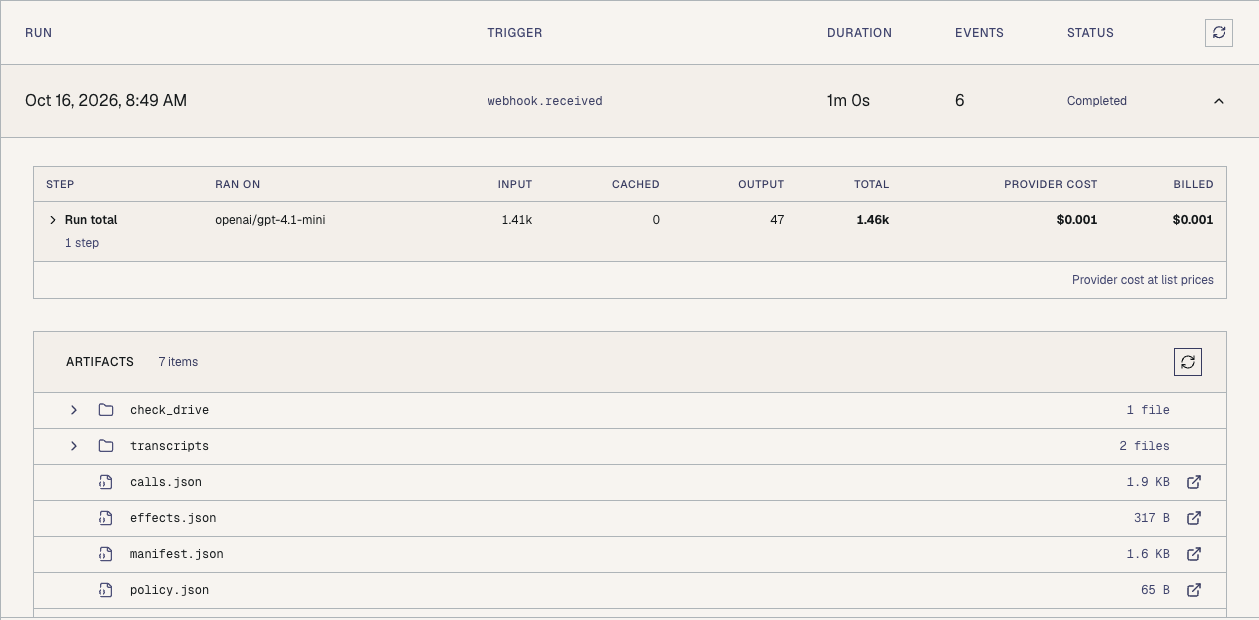
Set up a Google Drive workflow.
Give your MCP client guides and examples to work from
Four new MCP tools help your assistant find setup instructions and inspect published workflows:
search_contentfinds published guides and articles.get_contentreads their Markdown.list_public_workflowsfinds published workflow examples.get_public_workflowreads a published workflow’s definition and supporting files.
That gives your assistant source material to use when helping you create a workflow. Public workflow discovery uses published versions; it does not expose private drafts.
MCP credential setup also supports managed Google connections. Your assistant can create a credential deposit link, and you complete Google’s consent flow yourself. The connection is then available to the designated workflow without pasting a Google access token into the conversation.
Connect ChatGPT, Claude, or Codex to OutcomeCI to try the updated MCP tools.